Many consumers in Uttar Pradesh keep getting electricity SMS meant for someone else: bill reminders, payment confirmations, even disconnection notices for accounts they have never heard of. If this is happening to you, your mobile number is linked to the wrong account. UPPCL has an online facility that fixes this without a single visit to the office: after a quick OTP check, you can see every account linked to your number and remove it from the wrong ones.
Why your number ends up on a stranger's account
The most common reason is a recycled mobile number. When a consumer closes a connection and surrenders the meter, the registered number stays in the system unless it is removed. The telecom operator then reissues that same number to a new subscriber, and the new owner starts receiving the old consumer's bill SMS.
Typing errors are another cause. A single wrong digit while registering a mobile number, by the consumer or at the collection counter, quietly attaches your number to somebody else's account. Whatever the reason, the result is the same: your phone fills up with messages for an account that is not yours, and your own account may not have your correct number at all.
The fix: UPPCL's mobile number unlink facility
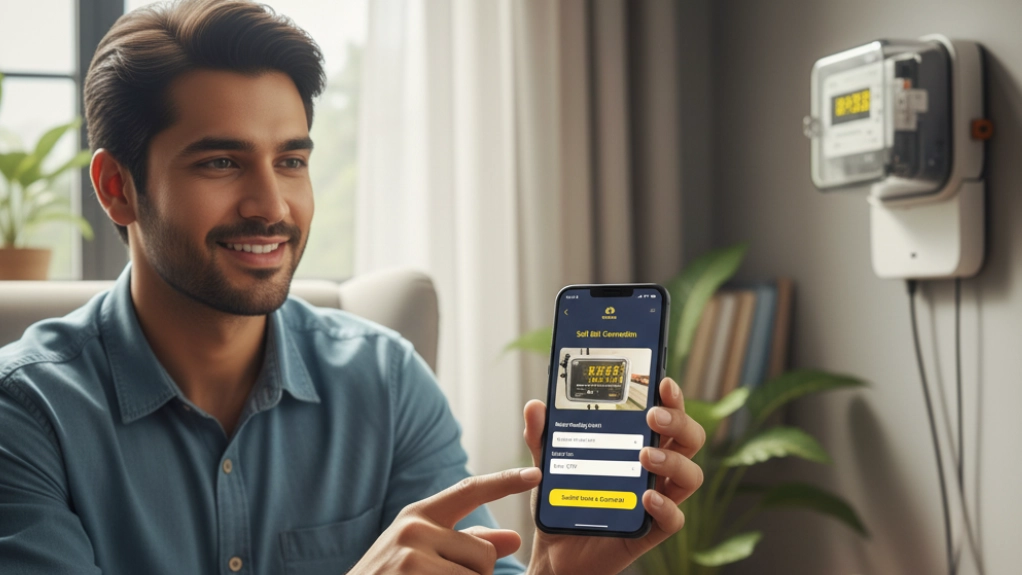
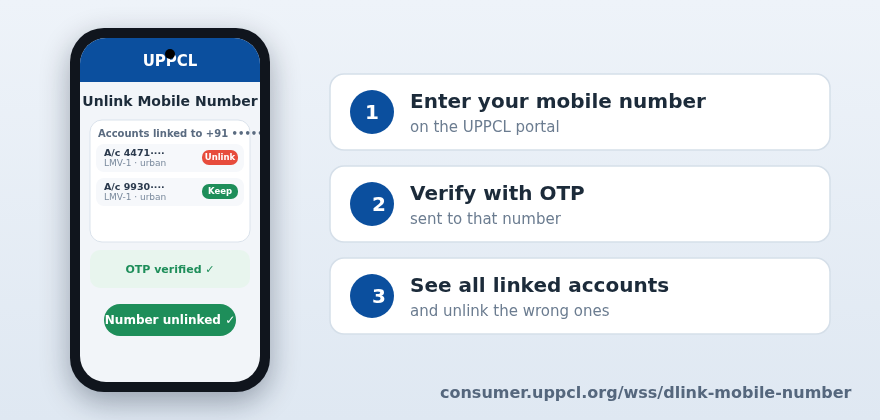
UPPCL provides an online facility for exactly this problem. It is available on the consumer portal, and this is all it takes:
1. Open the facility page: consumer.uppcl.org/wss/dlink-mobile-number.
2. Enter your mobile number.
3. Verify it with the OTP sent to that number.
4. The portal then shows you every electricity account linked to your number.
5. Go through the list and remove your number from any account that is not yours.
No form, no office visit, no fee. The OTP check is what keeps the facility safe: only the person holding that SIM can see and change the links, so nobody can unregister somebody else's number.
Check the full list, not just one account
The useful part of this facility is the complete view. Most people know about one wrong account because that is whose SMS keeps arriving. But the portal shows all accounts linked to your number, and there can be more than one: an old rented house from years ago, a shop tenancy that has changed hands, a relative's connection registered with your number.
Go through the whole list before you close the page. Remove your number from every account you do not recognise or do not control. If you find an account you cannot identify at all, unlink it anyway; if a genuine payment stops reaching you later, it is simple to link the number again through the same consumer portal.
Then make sure your own account has your number
Removing the wrong links is half the job. The other half is confirming that your own electricity account carries your current mobile number, so bill reminders and payment confirmations reach you and not a stranger. Check the registered number on your last bill or on the consumer portal, and correct it if it is outdated. This matters most before due dates: payment and disconnection notices go to the registered number first.
If you spot a wrong account that refuses to unlink, or the OTP never arrives, raise it on the 1912 helpline with your consumer number and mobile number ready. And while you are on the portal, it is worth a minute to calculate your current bill and make sure the charges are as expected.
Small cleanup, real peace of mind
A wrong mobile link sounds trivial until your phone starts buzzing with someone else's disconnection warning. The whole fix takes a few minutes, works from home, and needs nothing but the SIM in your phone. Clean the links, confirm your own account, and your phone goes back to carrying only your electricity messages.
Sources: UPPCL circular on the mobile number unlink facility, October 2026; facility page: consumer.uppcl.org/wss/dlink-mobile-number.